23 July 2021
The icon for the RSA app was changed as part of the update. It was previously set against a red background and is now white - see image.
Installing the app
To install the RSA app, you need to have access to both a computer and your mobile. You can also use two smart devices, if one of the devices already has the RSA app.
- Once you’ve become a customer through landsbankinn.is, your username and password (temporary password) will be available in your personal online banking under electronic documents.
- You need to change the password when you log in to corporate online banking for the first time.
- In order to be able to log in with your username and the new password, you need to link the RSA app or token to the account. You can also log in with your own personal electronic ID.
- The RSA app is called RSA SecurID Software Token and is produced by RSA Security. It is located under business.
- Use your mobile to open the App store or Play store, as appropriate. Enter RSA in search and the app should appear.
- Download the app and accept the terms and conditions. Scan the QR in the computer with the RSA in your mobile by using Import Token and Scan QR Code or Get Started.
New icon for RSA SecurID Software Token:
Old icon for RSA SecurID Software Token:
Don’t hesitate to call us at +354 410 5000, send email to fyrirtaeki@landsbankinn.is or chat with us if you have any questions.
You may also be interested in

23 Oct. 2026
Elín (Ella) Gränz has been hired as Human Resources Manager at Landsbankinn and will take up the position early new year.
19 Oct. 2026
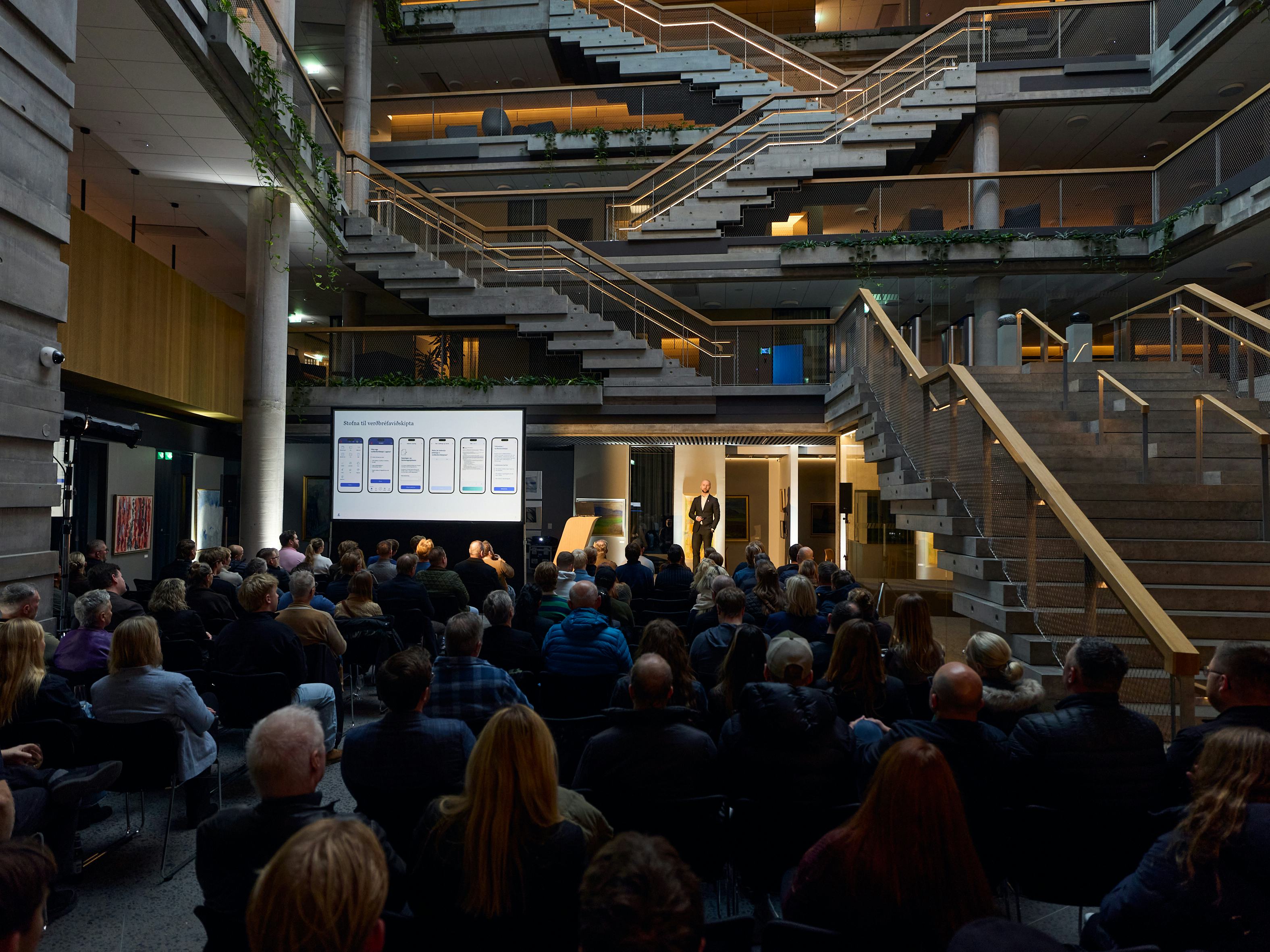
The educational event Stocks with Landsbankinn - from initial impression to investment was held to a full house at Landsbankinn’s headquarters in Reykjastræti on 15 October.

14 Oct. 2026
Landsbankinn wishes to draw customers’ attention to an investigation by the Reykjavík Metropolitan Police, which revealed that over 300 young people have used an iPhone VPN profile called “Island Surge VPN”.
2 Oct. 2026
Styrkás hf. has signed an agreement to acquire all shares in Malbikstöðin ehf. and the company’s sites at Esjumelar. Landsbankinn Corporate Finance acted as advisor to Styrkás in the transaction.

29 Sept. 2026
Each year we award community grants from Landsbankinn’s Community Fund in the total amount of ISK 20 million.

10 Sept. 2026
University students Salvador Di Marzio Láruson and Oliwia Slodowska are the recipients of grants from Landsbankinn’s Hvatasjóður fund for undergraduate studies at Reykjavík University (RU) 2027-2028.